TWL Broadcast Tools
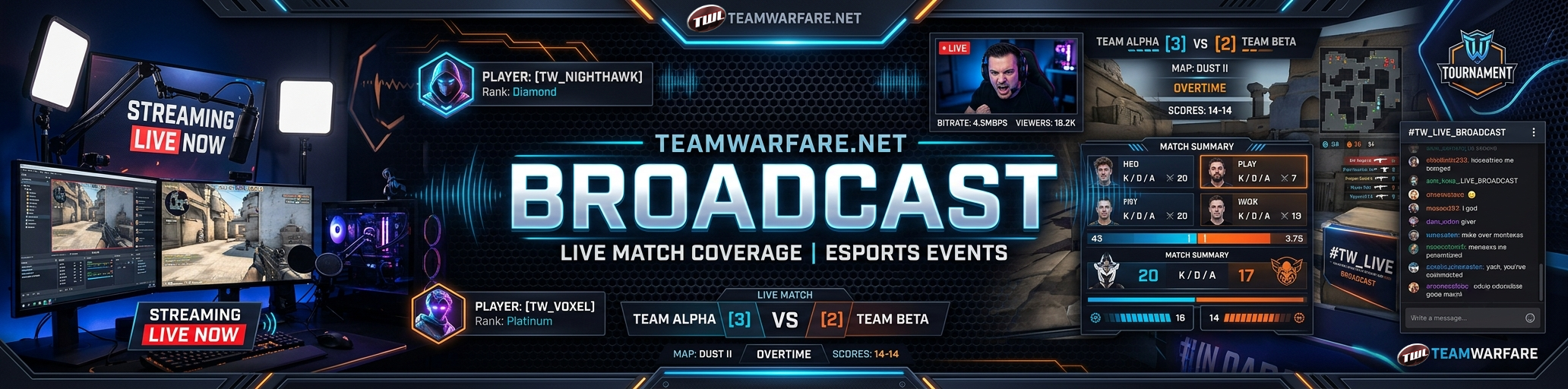
Free OBS overlays for broadcasting matches - live scoreboard, ticker, team cards, and player cards on stream.
What you get
Player Trading Cards
Every player has a collectible-styled card - stats, veteran badges, featured team logo, scouting report. Drop it on stream and it auto-flips to show the back.
Live Scoreboard
Classic broadcast-style score bar with team logos, names, and score-pulse animations on change. Compact and minimal variants available.
Team Cards
Full roster reveal with avatars, captain/owner badges, and Twitch links. Staggered slide-in animation.
Match Ticker
Lower-third ticker showing competition name, map pool, match date, and current score.
OBS Setup Quick Reference
- Add → Browser Source
- Paste the overlay URL
- Set Width / Height (e.g. 1920×1080 for scoreboard, 320×480 for player card)
- Check "Shutdown source when not visible"
- Refresh after starting your broadcast session
Overlays poll the TWL API every 30s for score updates. Your customizations (accent color, opacity, text scale) are saved locally in your browser.
How it works
- Get broadcaster access. Message an admin on Discord and ask for the
broadcasterrole. - Pick a match. Open the Broadcast panel and select any active match.
- Copy overlay URLs. Each overlay gets its own URL with the match ID embedded. No login needed in OBS.
- Add as OBS Browser Sources. In OBS: Add → Browser Source, paste the URL, set dimensions. Transparent background — no chromakey needed.
- Customize. Override the accent color, background opacity, and text scale from the panel. Changes apply on next poll (30s).
Sign in with Discord to access the broadcast panel.